AEScripts Pluck v1.0 for After Effects Free Download
AD
Project management inside Adobe After Effects is honestly one of the most annoying parts of professional motion design. Reusing old comps sounds simple until you realize importing from another project usually means dragging in the entire .aep, cleaning unused assets, fixing duplicates, and reorganizing folders.
That workflow wastes time.
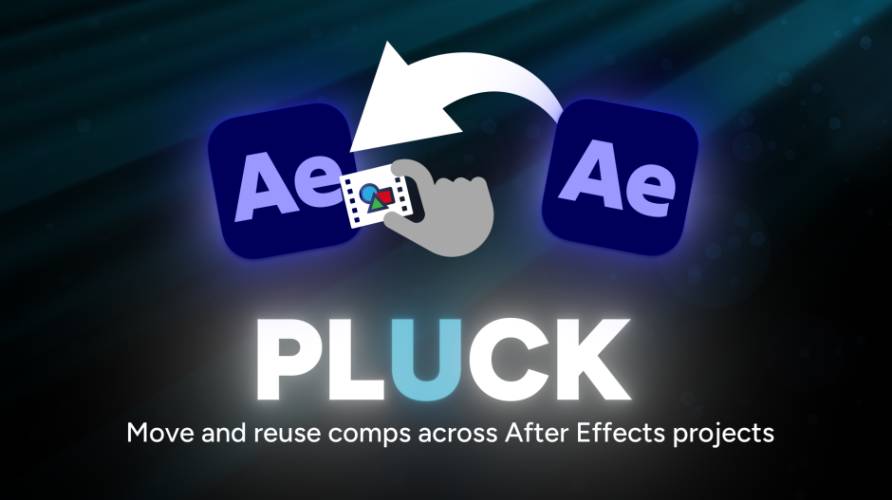
Pluck v1.0 is built to fix exactly that. Instead of importing an entire After Effects project, it lets you pull only the compositions you need while preserving dependencies and folder structure.
That sounds simple, but in real production, it’s a massive workflow upgrade.
Official page:
https://aescripts.com/pluck/
What Pluck Actually Is
Pluck is a project extraction and import utility for After Effects. Its main purpose is to let you access compositions inside another .aep file without opening that project first. That alone changes the workflow dramatically.
Normally, importing from another project means loading the entire file into your current project.
Pluck avoids that.
Instead, you drag the project file into the Pluck panel, browse its compositions, select what you need, and import only those selected comps.
Core functions include:
- Import selected comps from external projects
- Automatic dependency importing
- Folder structure preservation
- Export selected comps into standalone projects
- Batch packaging for sharing
It’s basically project surgery for After Effects.
The Core Idea: Stop Importing Entire Projects
This is the biggest reason Pluck exists.
Let’s say you built a client intro six months ago and want to reuse just one animation setup.
Traditional workflow:
Open old project → reduce project → save new file → import → clean up
That sucks.
Pluck reduces it to:
Drop file → choose comp → import
Done.
That saves real time.
And if you reuse old work often, it adds up fast.
Benefits:
- Faster asset reuse
- Cleaner project imports
- Less duplicate footage
- Better organization
For professional motion designers, that’s huge.
Reading Projects Without Opening Them (Main Feature)
This is the strongest feature.
Pluck can scan .aep files directly and show you every composition inside without launching or opening that project in After Effects.
That means:
- Full comp list preview
- Resolution visibility
- Frame rate visibility
- Duration visibility
Before importing anything.
That gives you much better control.
Instead of guessing what’s inside a project, you see it first.
This is extremely practical for asset libraries.
Smart Dependency Handling
This is where the plugin becomes genuinely useful.
Importing one comp is never just one comp.
It usually depends on:
- Precomps
- Footage
- Solids
- Assets
- Expressions
Pluck automatically resolves those dependencies and imports them with the selected comp.
That means no broken setups.
Even better, it avoids duplicate footage by relinking existing project assets instead of importing them twice.
That keeps projects cleaner.
And cleaner projects mean faster work.
Folder Structure Preservation
This is one of those boring features that becomes important fast.
When importing old work manually, folder structure usually becomes messy.
Pluck can mirror the original folder organization into your current project.
That means:
- Better asset organization
- Easier project navigation
- Cleaner archive imports
You can also flatten imports or sort by file type if preferred.
That flexibility matters.
Export Mode (Underrated Feature)
Pluck doesn’t just import.
It also exports.
You can drag compositions from your current project into the panel and export them as standalone .aep files, complete with all required assets.
This is useful for:
- Sending client scenes
- Sharing reusable templates
- Archiving isolated work
- Team collaboration
It even supports ZIP packaging.
That’s practical.
Why This Plugin Actually Matters
Most After Effects plugins focus on visual effects.
Pluck focuses on workflow.
That sounds less exciting.
But workflow tools often save more time than visual tools.
If you work on multiple client projects, maintain animation libraries, or reuse template structures often, this plugin can remove hours of repetitive cleanup.
That’s real value.
Not flashy value.
Real value.
Who Should Use Pluck
Pluck is strongest for people managing multiple projects.
Best suited for:
- Motion designers
- Template creators
- Freelancers
- Agency editors
- Team-based animation pipelines
If you rarely reuse old projects, you may not need it.
But if you do, it becomes very useful.
Limitations (Be Real About It)
Pluck solves one problem.
It doesn’t do more than that.
Limitations:
- Only useful for project reuse workflows
- Not a visual plugin
- Depends on organized source projects
- Less useful for one-off editors
It’s specialized.
That’s fine.
Final Thoughts
Pluck v1.0 is one of those plugins that sounds boring until you use it.
Then you realize how much time it saves.
Instead of importing full projects and cleaning them manually, you extract only what you need.
That keeps projects lighter, cleaner, and faster.
For serious After Effects users, especially those managing reusable assets, Pluck is a practical workflow upgrade.
AEScripts Pluck v1.0 for After Effects Free Download
https://zeroupload.com/e9877b3802d876f18bc958c594e82ef7
https://pixeldrain.com/u/SR3etFGK
https://buzzheavier.com/0zycjo6asuqs
https://filekeeper.net/uvy4lmy0evn1/Pluck1.0_DownloadPirate.com.zip
Those who sell pirated content are losers.
If you're paying for pirated content, you're the biggest loser.
Please read the FAQ if you need basic help.
Use VPN &
FDM if you have download problems.
AD