Camera Tracker 7 Addon Plugin for Blender Full Version Free Download for Windows Macintos MacOS Linux
Camera Tracker 7 by CGMatter is a camera tracking and 3D reconstruction add-on for Blender. It uses photogrammetry-based tracking to analyse video footage, reconstruct camera movement and generate a corresponding 3D scene. This allows artists to integrate computer-generated objects into live-action footage with accurate perspective and camera movement.
Designed for visual effects artists, 3D animators and compositors, the add-on automates much of the camera-solving process that would otherwise require extensive manual tracking. It can also handle tripod shots, object tracking, variable focal lengths, dense point clouds and lens distortion correction.
Version 7 introduces several important additions, including native 360-degree tracking, Turbo processing, an integrated Mask Editor and Linux support.
Automated Camera Tracking and 3D Reconstruction
The primary function of Camera Tracker 7 is to reconstruct the movement of a real camera from recorded footage.
The add-on analyses visual features across video frames, matches those features and calculates their positions in three-dimensional space. It then generates an animated camera that reproduces the movement of the original recording.
After a successful solve, Blender receives an animated camera, a reconstructed point cloud and the necessary scene settings. The point cloud provides a spatial reference for positioning 3D objects within the original environment.
This workflow is useful for:
- Adding 3D objects to live-action footage.
- Creating architectural visualisation composites.
- Integrating CGI into outdoor and indoor recordings.
- Producing camera-matched motion graphics.
- Reconstructing approximate 3D environments from video.
What’s New in Camera Tracker 7
360-Degree Camera Tracking
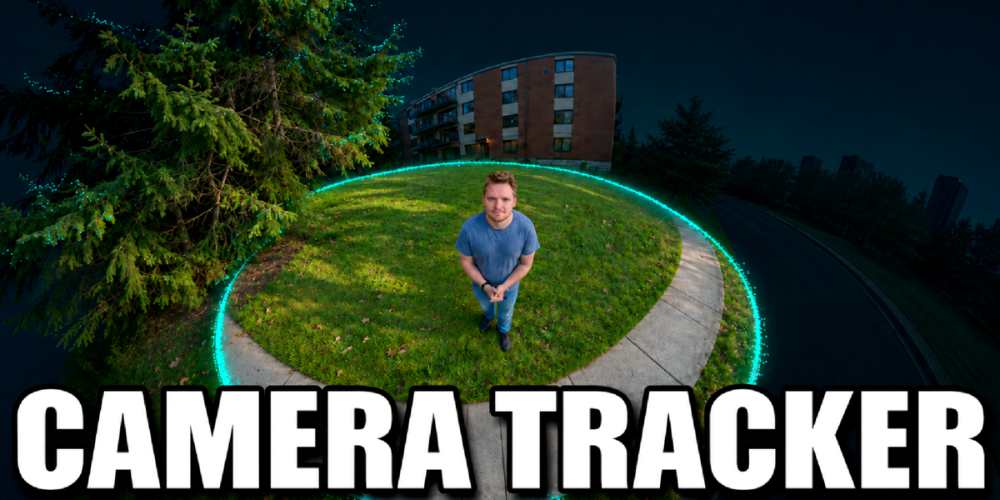
One of the major additions in version 7 is native support for 360-degree panoramic footage. The tracker can solve panoramic camera movement without requiring users to convert the footage into a conventional perspective format first.
This expands the add-on’s applications to immersive video, panoramic environments and 360-degree visual effects workflows.
Turbo Processing
The new Turbo feature accelerates camera solving, particularly for longer video sequences. It is designed to reduce processing time when working with extended footage.
This is particularly useful for visual effects projects involving longer camera movements, where conventional tracking and reconstruction can require considerable processing time.
Integrated Mask Editor
Camera Tracker 7 introduces a Mask Editor that allows users to draw and animate masks directly inside Blender.
Artists can create, name, hide and invert masks without leaving the tracking interface. These masks help control which image regions are considered during tracking, making it easier to work with footage containing moving subjects or unwanted visual elements.
Linux Support
Version 7 adds Linux compatibility alongside Windows and macOS. This expands the add-on’s availability to users working on Linux-based production systems.
Improved Tracking and Export Tools
Other additions and improvements include:
- Simplified tracking progress window.
- COLMAP export for transferring camera-solving data to other applications.
- STMap export for distortion and undistortion workflows.
- Accurate 2x tracking mode.
- Scale operator for adjusting reconstructed scene scale.
- Sub-sequence tracking for working with selected portions of footage.
- Enhanced Point Tool.
- Faster roto module.
- Frame skipping.
- Automatic ground alignment.
- macOS Metal acceleration.
These improvements extend the add-on beyond basic camera solving into a more complete tracking and compositing preparation workflow.
Tripod Tracking, Object Tracking and Rotomation
Camera Tracker 7 supports more than conventional moving-camera footage.
The Tripod Solver handles shots where the camera remains stationary but rotates. This is useful for matching 3D elements to panoramic or rotational camera movements.
Object Tracking allows artists to track objects independently of the camera. The Actor Rotomation workflow provides tools for matching animated 3D characters or objects to recorded movement.
Variable Zoom support also allows the tracker to handle footage where focal length changes during recording.
Dense Reconstruction and Camera Refinement
The add-on generates point clouds from tracked visual features, providing a reference for reconstructing the filmed environment.
Its Ground Tool helps establish the orientation of the reconstructed scene, while the Align Tool provides additional control over scene positioning.
Camera Smoothing helps refine the resulting camera animation, reducing unwanted movement and jitter. The Defunk Tool, introduced in version 7, provides another dedicated camera-cleanup operation.
Together, these tools help prepare the solved camera and reconstructed scene for compositing and 3D integration.
GPU Acceleration and Lens Undistortion
Camera Tracker 7 uses GPU acceleration for supported tracking operations. NVIDIA CUDA acceleration is available on compatible Windows and Linux systems, while macOS uses Apple Silicon acceleration for supported operations.
The add-on also provides lens undistortion tools. Camera lens distortion can cause straight lines to appear curved, creating difficulties when combining live-action footage with 3D geometry.
The STMap export workflow allows users to transfer distortion and undistortion information into compatible compositing applications.
Blender Compatibility and System Requirements
Camera Tracker 7 is compatible with Blender 5.1 and later, according to the developer’s compatibility information.
| Platform | Requirements |
|---|---|
| Windows | x86-64, updated operating system |
| macOS | Apple Silicon M-series, macOS 15 or later |
| Linux | Ubuntu, x86-64, glibc 2.28 or newer |
Compatible NVIDIA GPUs and updated drivers are required for CUDA and Turbo acceleration on Windows and Linux. CPU tracking is also available. Intel-based Macs are not supported.
Camera Tracker 7 is available through Superhive as a Blender extension-compatible add-on under the GPL licence. The product is listed at $35, with a discounted price of $22.75 displayed at the time of writing. Multi-seat licences are also available.
For installation instructions, tutorials, compatibility information and purchasing details, visit the official Superhive Camera Tracker 7 product page.
Conclusion
Camera Tracker 7 expands Blender’s camera tracking capabilities with automated photogrammetry-based reconstruction, native 360-degree tracking, Turbo processing and an integrated Mask Editor.
Its additional tools for tripod tracking, object tracking, rotomation, camera smoothing, dense reconstruction and STMap export make it useful for professional visual effects and compositing workflows.
With support for Windows, macOS and Linux, Camera Tracker 7 provides a dedicated solution for reconstructing camera movement and integrating 3D elements into live-action footage directly within Blender.
Camera Tracker 7 Addon Plugin for Blender Full Version Free Download for Windows Macintos MacOS Linux
https://zeroupload.com/a74c52f15a56e73548c43843f8fc54f3
https://pixeldrain.com/u/sPWWU16T
https://filekeeper.net/qjg7hcytfjtj/CameraTracker7.0_DownloadPirate.com.rar