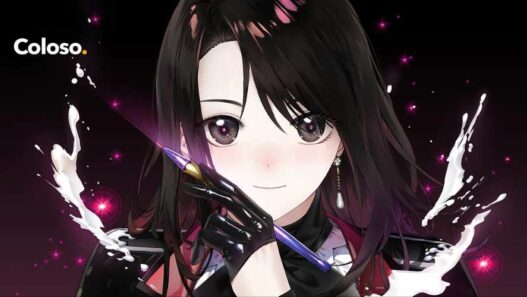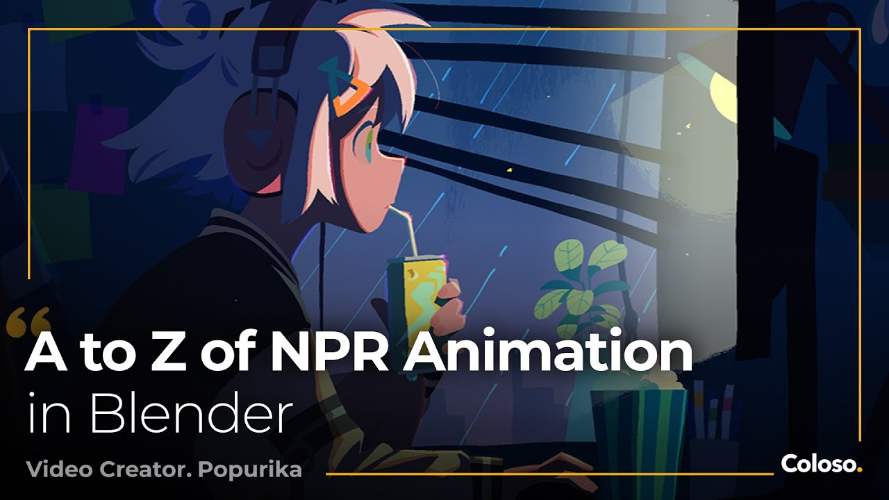
Coloso – A to Z of NPR Animation in Blender Free Download
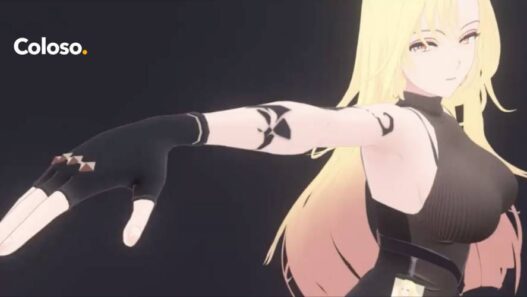
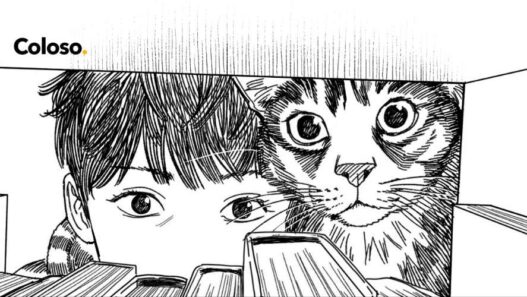
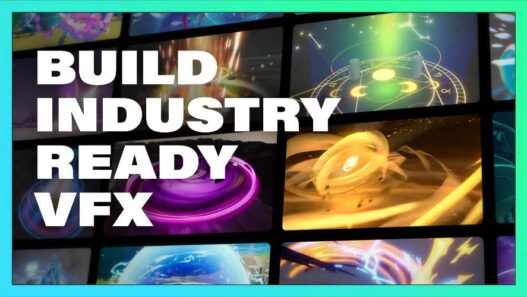
Non-photorealistic rendering (NPR) offers an alternative to conventional realistic 3D graphics, allowing artists to create stylized animation with distinctive colours, simplified shading, expressive characters, and a visual language inspired by illustration and anime. Coloso: A to Z of NPR Animation in Blender is an online course taught by Japanese 3D video creator Popurika, covering the complete animation production process, from initial storyboarding and character modelling to rigging, animation, lighting, and compositing.
The course focuses on producing an animated project using Blender, with practical exercises designed to develop skills across the different stages of production. It combines foundational software instruction with a structured character-animation workflow and techniques for achieving distinctive non-photorealistic visuals.
What Is A to Z of NPR Animation in Blender?
The course is available through Coloso and is taught by Popurika, a 3D video creator and leader of the Japanese video production team Hurray!. His professional work includes music videos for Yorushika, public service advertisements for the Bicycle Association in Japan, the ending sequence for the anime Shikimori’s Not Just a Cutie, and the animated film A Few Moments of Cheers.
The curriculum is designed to take students through an end-to-end animation workflow rather than concentrating exclusively on modelling or rendering. Students learn how different Blender tools work together to produce a completed animated project, including character creation, animation systems, background assets, lighting, and final compositing.
Course Structure and Learning Format
The course contains 51 videos with a total runtime of approximately 99 hours. Coloso categorises it as suitable for learners from basic to advanced levels. The instruction is in Japanese, with English and Traditional Chinese subtitles, among other language options.
The curriculum is divided into six main sections, progressing from Blender fundamentals through modelling, rigging, animation, background production, and compositing.
Blender Fundamentals and Workflow
The introductory lessons cover Blender’s interface, workspace management, shortcut customisation, and the basic principles of data blocks. These topics establish a foundation for working efficiently in the application.
The course also introduces essential modelling and production concepts, including polygon modelling, sculpting, modifiers, curves, shape keys, normals, UVs, and colour management. Shader nodes, Geometry Nodes, Grease Pencil, and compositing are also addressed as part of the wider production workflow.
This foundation is intended to help students understand not only individual tools but also how Blender’s different systems contribute to animation production.
V-Storyboarding and Non-Photorealistic Rendering
One of the course’s distinctive topics is V-storyboarding, which uses Blender’s Grease Pencil tools to create storyboard drawings within a 3D environment. The lessons introduce the basic Grease Pencil workflow before guiding students through a practical storyboard exercise.
The course also covers NPR shader nodes and material structures. Students learn the difference between shaders and materials, how to assign materials, and how to build and enhance non-photorealistic visual styles.
These techniques provide the foundation for developing stylized animation that uses deliberate shading and visual design rather than relying exclusively on photorealistic rendering.
Character Modelling and Rigging
Character creation is a substantial part of the curriculum. Students work through head modelling exercises before progressing to the body, clothing, hands, facial features, hair, and additional character details.
The rigging lessons introduce armatures, skinning, constraints, and drivers. The course also includes practical rigging exercises using Auto-Rig Pro, a separate paid add-on that students must obtain independently.
The modelling workflow continues through multiple exercises focused on improving character quality, including auxiliary bones for areas such as the armpits and waist, sleeve construction, facial rigging, hair rigging, and additional mesh details.
Character Animation and Motion Control
The animation section covers Blender’s keyframes, Auto Key, Graph Editor, Timeline Editor, Actions, Dope Sheet, and Nonlinear Animation (NLA) Editor.
Students then apply these systems through practical exercises involving 3D layout, camera cuts, linking and appending assets, and primary and secondary animation. The lessons also explore constraint-based animation control and the process of refining character movement across multiple shots.
This structure connects the technical aspects of Blender’s animation tools with the practical process of developing and adjusting a sequence.
Backgrounds, Effects, and Lighting
After the main character and animation work, the course moves into lighting, materials, and background production. Students practise adjusting character lighting and materials before improving environmental assets such as desk objects, wall textures, cans, monitors, plants, cats, and water droplets.
These exercises demonstrate how background details and lighting contribute to the overall appearance of a stylized animated scene.
Rendering and Compositing
The final section focuses on rendering and compositing. Topics include Blender’s rendering methods, the Compositor, Scenes, Render Layers, render passes, Cryptomatte, AOVs, and the Video Sequence Editor.
Students complete several compositing exercises for their animated shots, adjusting the visuals and bringing the separate production elements together. The curriculum concludes with final overall adjustments to the completed project.
Software Requirements and Course Materials
The course uses Blender 4.2 or later, according to Coloso’s requirements. Auto-Rig Pro is listed as a required paid add-on and is not included with the course. Coloso also lists Blender exercise files, music data for video production, and additional resources among the included class materials.
For the complete curriculum, instructor information, and current enrolment details, visit the official Coloso course page.
Conclusion
Coloso: A to Z of NPR Animation in Blender is a comprehensive online course covering the major stages of stylized 3D animation production. Taught by Popurika, it combines Blender fundamentals with V-storyboarding, NPR shading, character modelling, rigging, animation, background creation, lighting, and compositing.
With 51 videos and approximately 99 hours of instruction, the course provides a structured workflow for developing a complete animated project. Its emphasis on practical exercises and production techniques makes it relevant to artists interested in anime-inspired visuals, stylized character animation, and non-photorealistic rendering using Blender.
Coloso Blender course, Popurika Blender course, NPR animation Blender, non-photorealistic rendering, Blender animation course, anime-style 3D animation, Blender character modelling, Blender rigging, Blender compositing, stylized 3D animation
Coloso – A to Z of NPR Animation in Blender Free Download
https://pixeldrain.com/l/wQKrToWx
Those who sell pirated content are losers.
If you're paying for pirated content, you're the biggest loser.
Please read the FAQ if you need basic help.
Use VPN &
FDM if you have download problems.